
The Nexus beta is open
Every part of Nexus, up close.
Four parts, each on a real screen with the details marked. Then Resources, the everyday tools, and how your workspace is protected.
Know every client, and everything you've promised them.
Each client account gathers its conversations, account team, health, and commitments in one view, right beside the projects and contracts you deliver for them.
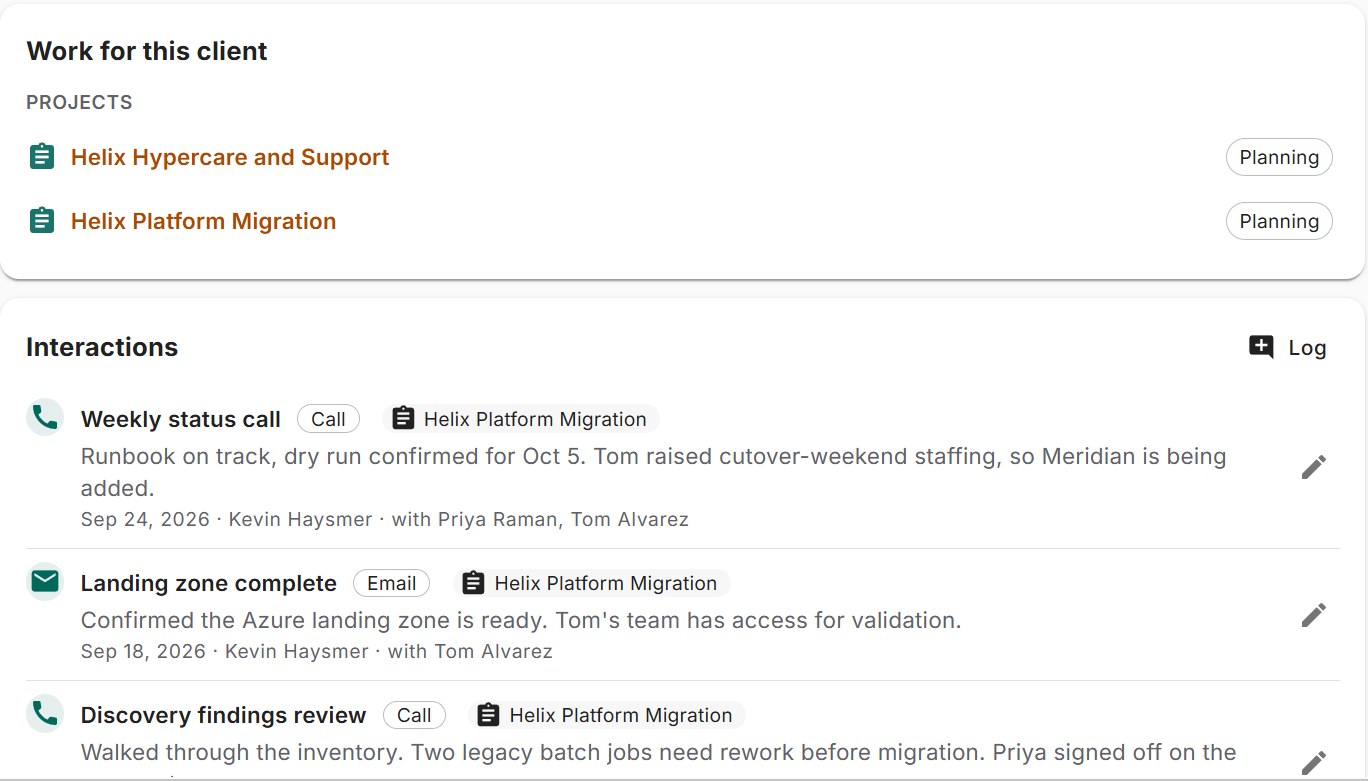
- Log a call, meeting or email in a few seconds.
- The projects you deliver for this client, one click away.
- Every conversation is tied to the project it was about.
Also in Clients
- "Touch by" dates so no client goes quiet
- Health signals and account plans
- The account team, with roles
- A personal cockpit of the accounts that need you today
- Client boards: a view you can share with the client
From the big plan down to today's task.
Roll projects up into programs and portfolios. Schedule with a real timeline, then track budgets, capacity, and progress without leaving the plan.
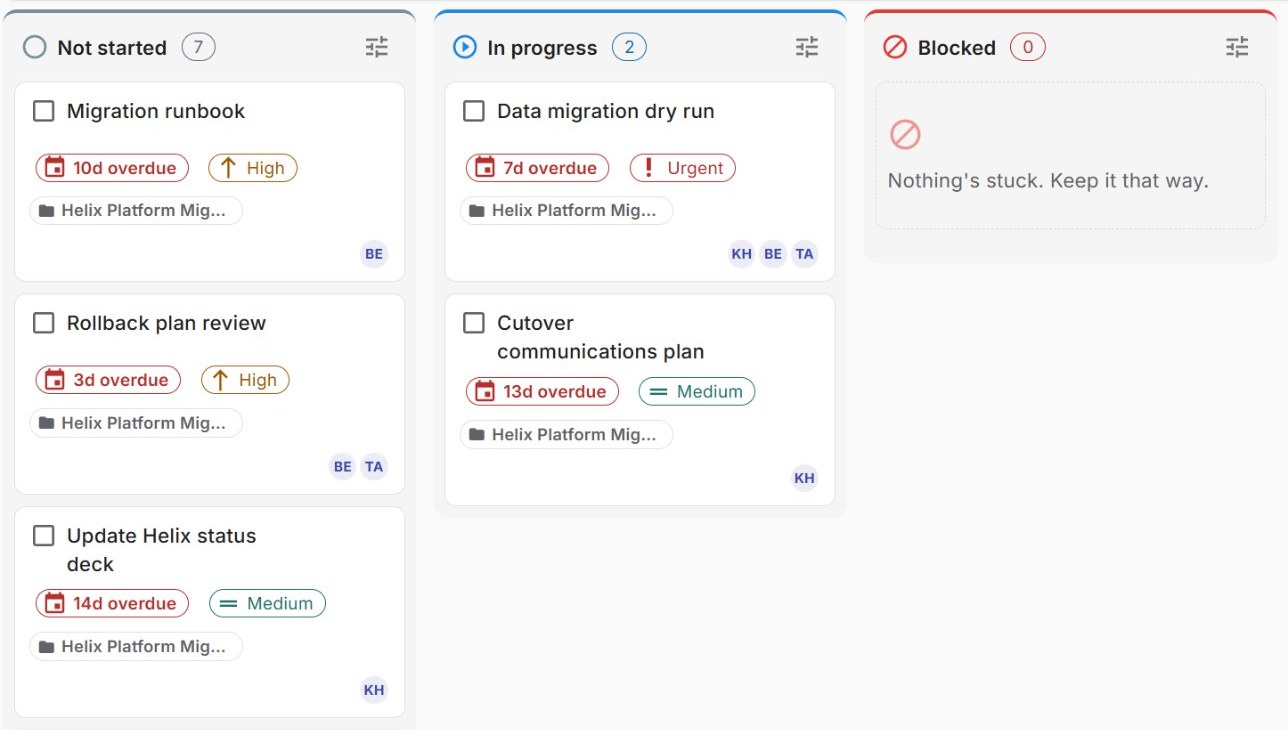
- Boards by status, alongside the timeline view.
- Late work is flagged on the card, in days.
- Everyone on the task, at a glance.
Also in Programs and projects
- Four ways to run a project: Gantt, Kanban, Scrum, or a mix
- Timelines with dependencies, the critical path and saved baselines
- A RACI on every project
- Programs and portfolios that roll up the detail
- Budgets and earned value
- What-if scenarios on a copy of the plan
- Milestones and goals tied to the work
- A Word notebook and lessons learned on every project, with a library to search them
Agreements that live next to the work they cover.
MSAs, SOWs, NDAs, and retainers sit with the client and the project they cover, so what was agreed is one click from the work.
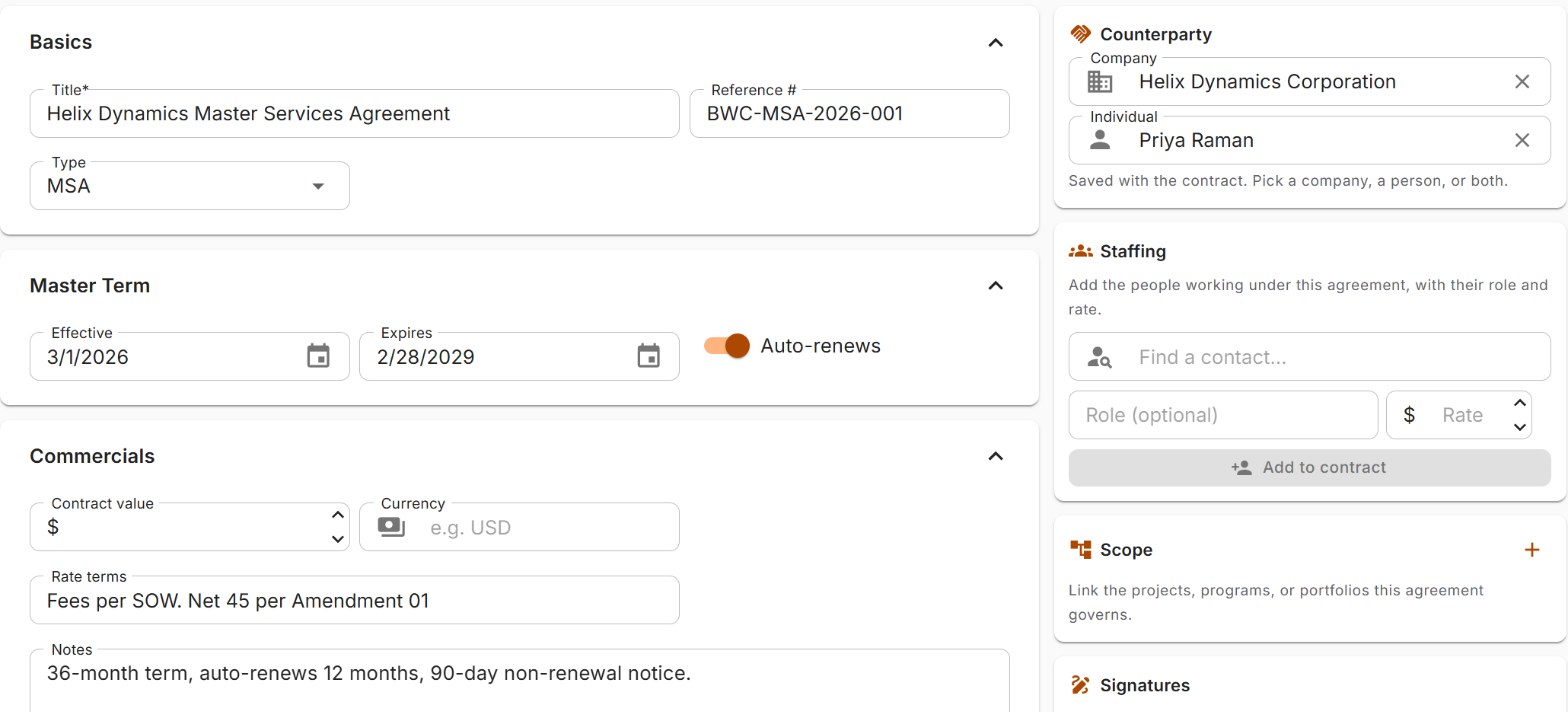
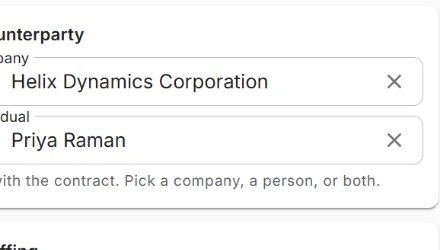
- Every agreement names its client and contact.
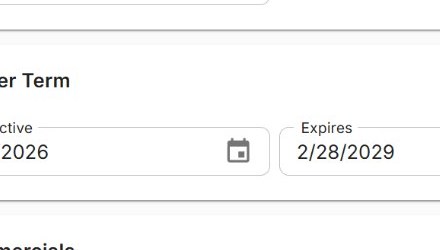
- Term dates and renewals, set once and tracked.
- Link the projects and programs the agreement governs.
Also in Contracts
- MSAs, SOWs, NDAs, subcontracts and retainers in one place
- A clause library with risk levels
- Approvals routed to the right people
- Redline and negotiation tracking, round by round
- Analytics: cycle time, turnaround, value and renewals
Grow the people while the work gets done.
Nexus grows the people doing the work. See the skills on your team, spot where knowledge sits with one person, and give everyone a clear next step.
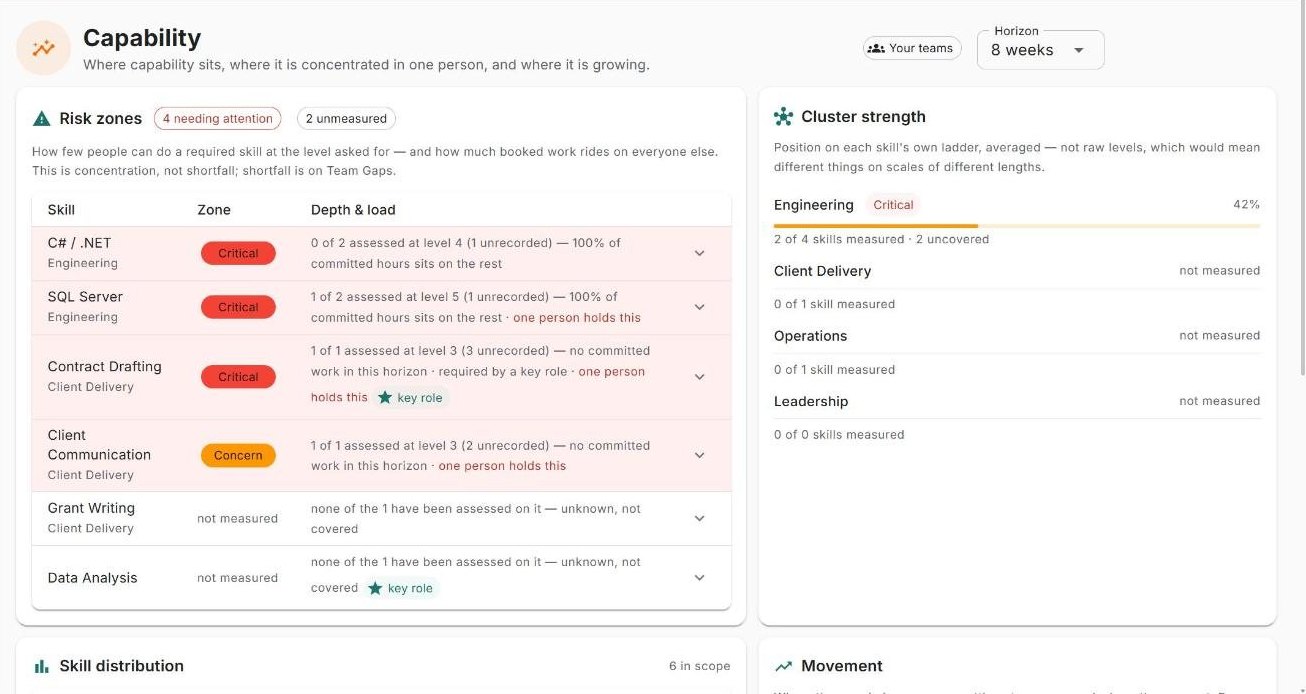
- The skills that need attention, counted for you.
- Spots where one person holds a skill the work depends on.
- Strength by skill group, across the team.
Also in People and growth
- A skill catalog and assessments, grounded in real work
- Career paths: where each person could go next
- Mentorship matching
- Capability heatmaps and forecasts
- Org chart, capacity and workload
Track anything, your way.
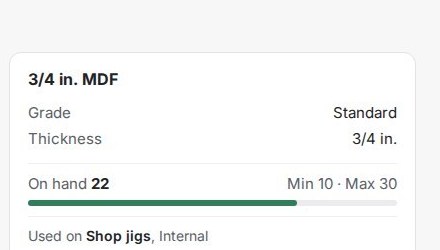
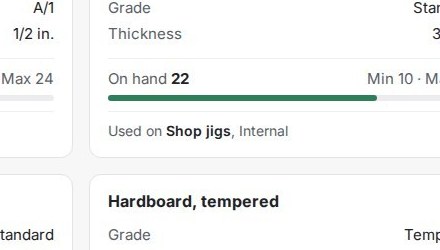
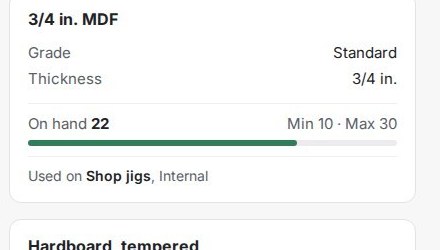
Start with a Smart List and whatever fields you need. When it outgrows a list, turn it into a Resources section with its own records, linked to clients, projects and people. Materials and inventory work the same way, with counts and minimum and maximum levels.
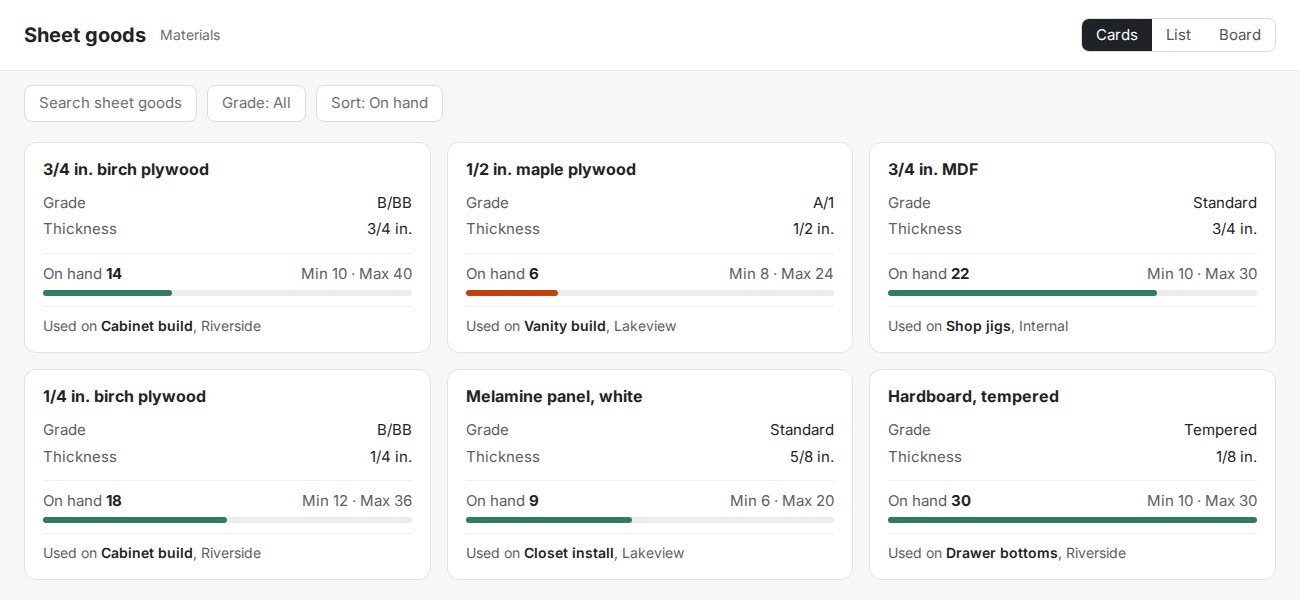
- Your own fields, named your way.
- Every record links to the jobs and people it belongs to.
- Counts with minimum and maximum levels.
Also in Resources
- Smart Lists with any fields you need
- Turn a list into its own Resources section
- Materials and inventory tracking
The everyday tools, connected to everything else.
- Tasks and a private to-do list
- Team tasks and a personal list only you can see.
- Calendar with Outlook sync
- Your schedule and your work on the same page.
- Notes as Word documents
- Notebooks that link to the clients and projects they're about.
- Time
- Hours logged on tasks add up in one view, with no timesheet to fill in.
- Automation and workflows
- Rules and approvals that run the routine steps for you.
- Cognitive Map
- See how your goals, projects, people and clients connect.
Your workspace, kept private.
- Your own private workspace
- Every workspace is kept apart from every other. Roles and permissions decide who sees what inside yours.
- Sign in the way you already do
- Microsoft sign-in and single sign-on for your organization, with security policies you control.
- Records that stand up later
- Audit trails and legal hold are built in.
Be one of the first inside Nexus.
The beta is open and costs nothing to join. Request access, and your invite arrives by email within about 10 minutes.